Small shop. Smart agents. Big possibilities.

Let AI Handle the Busywork. You Run the Business.

Free, step-by-step AI automation guides for small businesses. Learn how to save time on customer messages, leads, and everyday tasks — without being a tech expert.

Free templates · Picture-by-picture guides · Every template tested for real

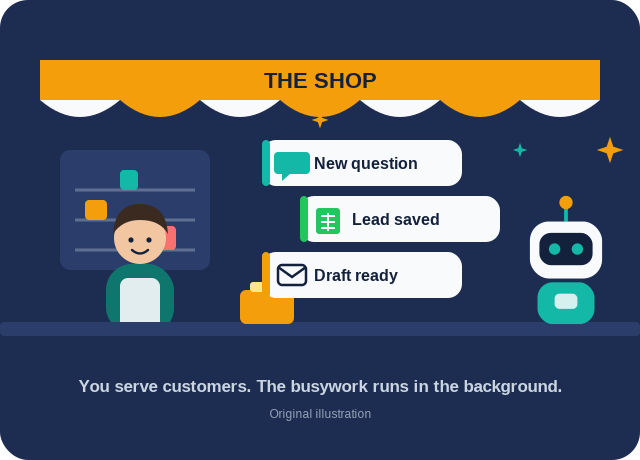
Illustration: a shop owner serves a customer while an AI helper sorts new questions, saves leads and prepares e-mail drafts

What is AI automation, in plain English?

An automation is a checklist that a computer follows for you every time something happens. For example: "When a customer asks about our hours, look them up and prepare a reply."

AI lets that checklist understand everyday writing, like a customer's e-mail, and write short, friendly replies. In our templates, the important decisions (prices, priorities, policies) come from your own data and simple rules, not from the AI's imagination.

Who it helps

Owners of cafés, caterers, boutiques, gift shops, salons and repair shops. If you answer the same messages every day, this is for you.

What it takes off your plate

Sorting enquiries, answering the same questions about opening hours, and checking your return policy before you reply.

You stay in charge

Our automations draft, sort and alert. They don't send e-mails to customers, approve refunds or make promises on their own.

Each one comes with a free template file and a complete picture-by-picture guide. Each was run for real before we published it.

n8nGoogle SheetsGmailClaude (Anthropic)

AI Catering Lead Assistant

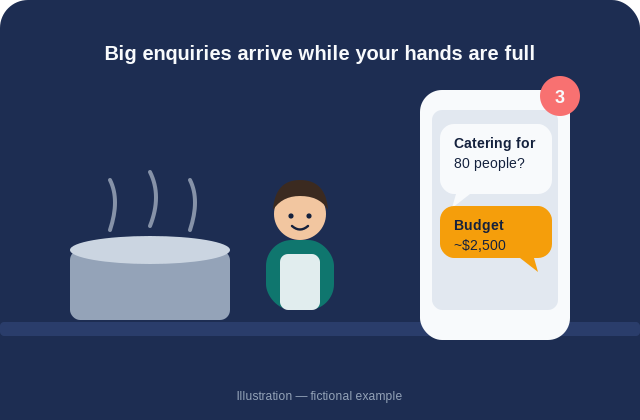
Every catering enquiry is saved to a spreadsheet, sorted by priority, and the big ones reach you right away.

The problem it solves
Big catering enquiries get buried while you are busy cooking or serving.
What happens automatically
The enquiry is checked, AI pulls out guests, budget and urgency, fixed rules set the priority, the lead is saved to Google Sheets, and HIGH-priority leads send you an e-mail alert.
What you still do
You call or e-mail the customer back. Nothing is ever sent to the customer automatically.
Setup time
About 45–60 minutes the first time (our estimate)
Running cost
n8n plan + about $0.0002 of AI per enquiry (estimate). See the full cost breakdown
n8nGmailGoogle SheetsClaude (Anthropic)

AI Customer Email Draft Assistant

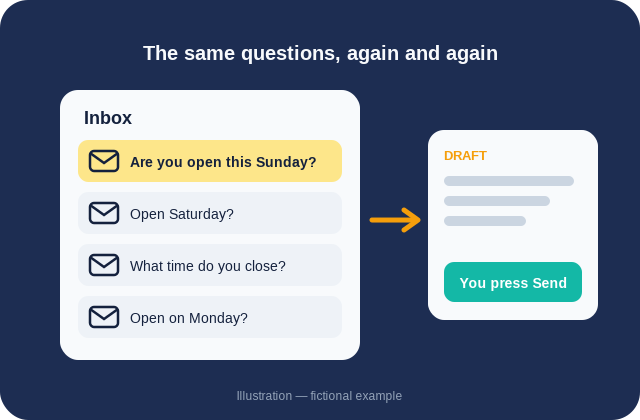
Opening-hours e-mails get a ready-to-send reply draft based on your real hours. You press Send.

The problem it solves
Answering the same "Are you open on Sunday?" e-mails eats your day.
What happens automatically
AI spots opening-hours questions, code works out which day is meant, your hours are read from your Google Sheet, AI writes a short reply, code checks it, and a Gmail draft is saved in the same thread.
What you still do
You read each draft and press Send yourself, or edit or delete it. This automation never sends e-mail.
Setup time
About 45–60 minutes the first time (our estimate)
Running cost
n8n plan + about $0.0002 of AI per e-mail (estimate). See the full cost breakdown
n8nGoogle SheetsClaude (Anthropic)Your website (a simple form)

AI Return Policy Support Assistant

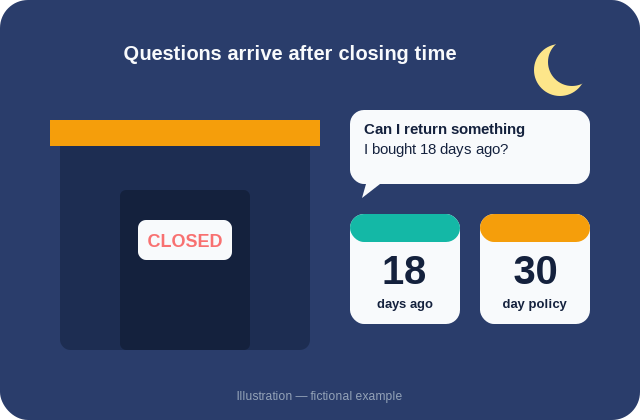
Customers asking "Can I return this?" get an answer based on your written return policy, even after hours.

The problem it solves
Return questions arrive after closing time, and a wrong answer costs money or trust.
What happens automatically
AI recognizes return questions, code reads "18 days ago" from the customer's words, your policy is read from your Google Sheet, code compares the days, AI writes an answer from your policy only, and code checks it before it is shown.
What you still do
You confirm the purchase and decide on the return yourself. Nothing is approved or refunded automatically.
Setup time
About 45–60 minutes the first time (our estimate)
Running cost
n8n plan + about $0.0002 of AI per question (estimate). See the full cost breakdown
How the tutorials work

  1. Pick an automation

    Choose the one that matches a job you do every day.

  2. Download the free template

    One small file. No sign-up, no e-mail address needed.

  3. Follow the pictures

    Every click is shown and explained, with every technical word explained the first time it appears.

  4. Test, then switch it on

    Try it with made-up customers first. Switch it on when you're happy with it.

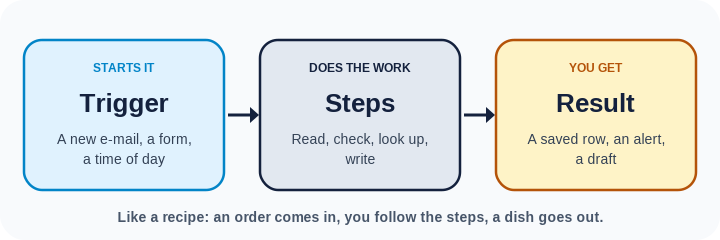
Diagram: a trigger starts the automation, steps do the work, and you get a result
Diagram Every automation has three parts. Learn the basics in 10 minutes →

Why Small Shop Agents exists

Big companies have IT teams. Small shops have you. We show what AI automation can really do for a small business, using real demonstrations of real workflow runs, not hype.

Every template on this site was imported into n8n and run end-to-end before we published it. Example customers and shops are fictional. We say clearly what is a screenshot, what is a drawing and what we haven't tested.

More about us →

Watch the 60-second demos

Each automation has a short video that shows a real run from start to finish.

Start with one automation this week

Templates are free, and you can test everything with made-up data before any real customer is involved.

Explore Free Automations

Affiliate disclosure